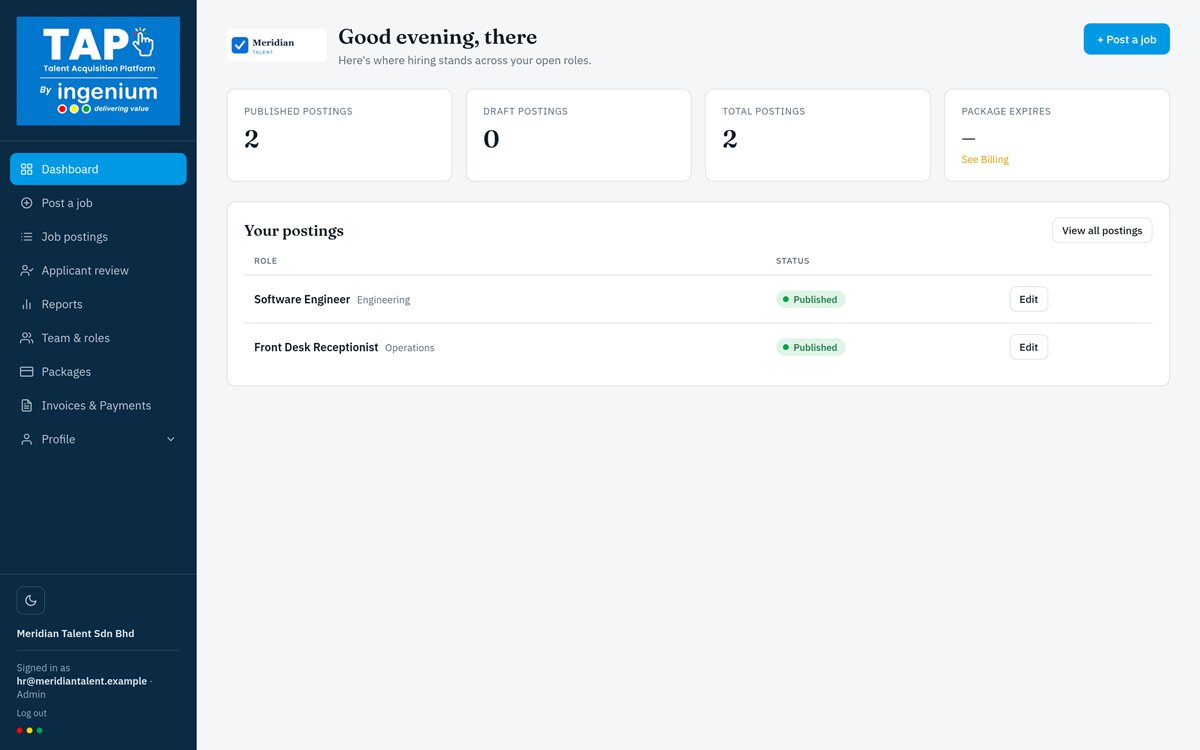
Recruitment shouldn't feel like detective work.
Without an applicant tracking system, hiring runs on inboxes, spreadsheets and printed CVs.



Bias reduction
Blind screening hides name, photo, age, and gender-indicative details while reviewing, so shortlists are based on skills and experience.
Hiring visibility
See the applicant funnel, ranking distribution, and source breakdown for every posting — without spreadsheets or scattered inboxes.
Why HR teams choose TAP
Everything you need from a modern applicant tracking system — CV parsing, AI candidate ranking, blind screening and hiring reports — in one cloud-based platform.
AI-ranked shortlists
Rank candidates automatically by skills, experience, education, and location — weighted per posting.
Bulk CV upload
Drop in PDFs or Word docs — text is auto-extracted and mapped to candidate profiles.
Blind screening mode
Hide name, photo, age, and gender-indicative details while reviewing, to reduce bias.
Reporting built in
Applicant funnel, ranking distribution, and source breakdown for every posting.
Team roles & permissions
Admins manage billing and access; recruiters manage postings and applicants.
A public apply page
Every posting gets a clean, branded page candidates can apply to directly.
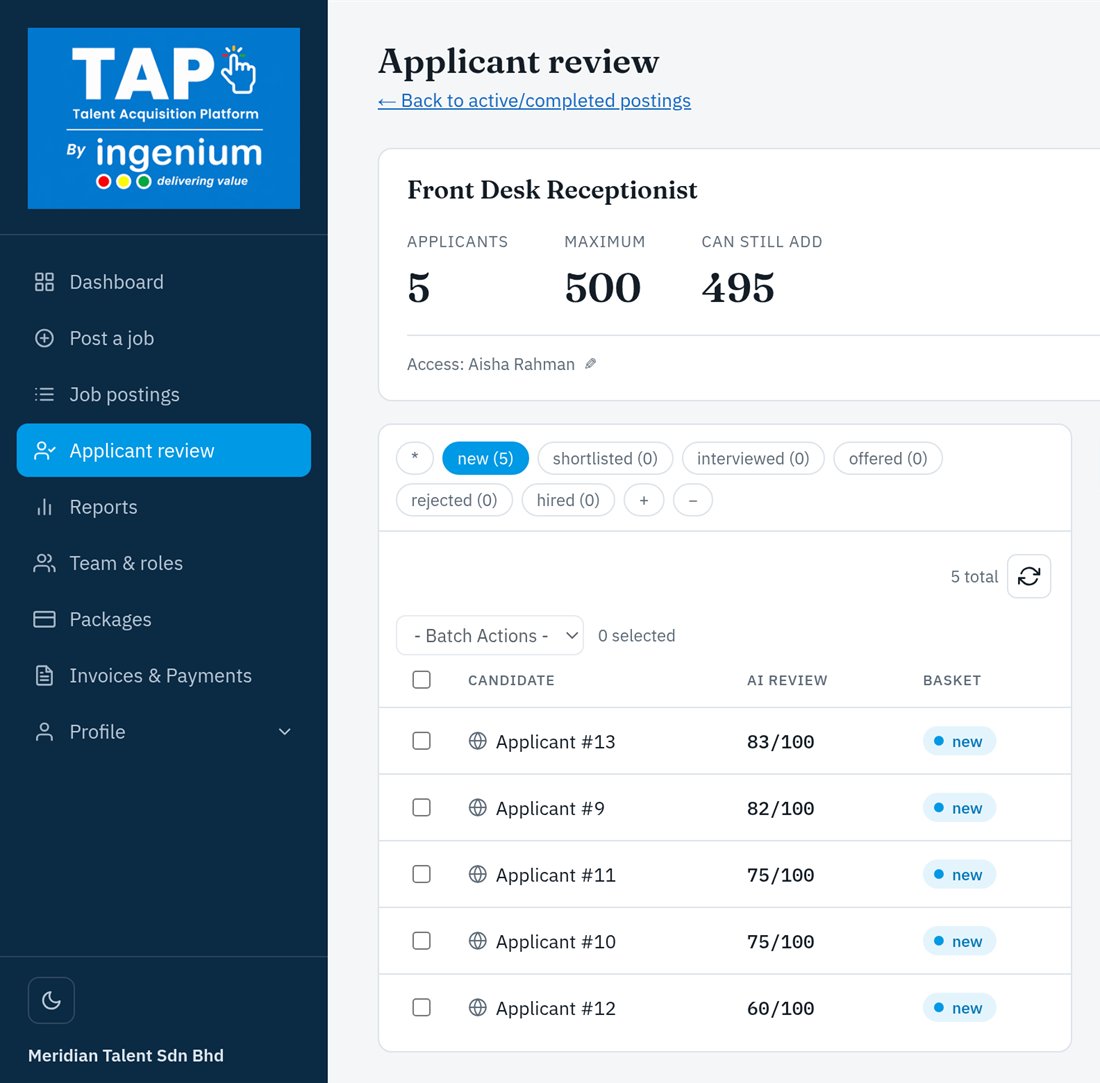
How TAP works: from job post to hire
- 01
Post
Publish a role and share its branded public apply page, or bulk-upload the CVs you already have.
- 02
Rank
AI scores every applicant using the weightage you set. Choose the categories that matter and adjust each one with a simple slider.
- 03
Review
Review scores, strengths, and weaknesses with your team — with blind review to hide names and contact details.
- 04
Hire
Move candidates from shortlisted to interviewed, offered, and hired, with reporting on the whole funnel.
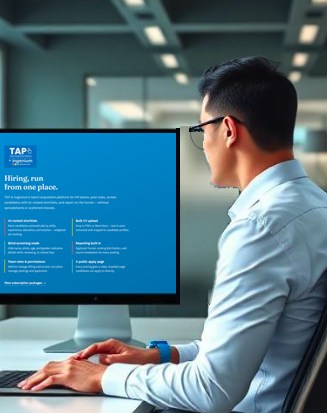
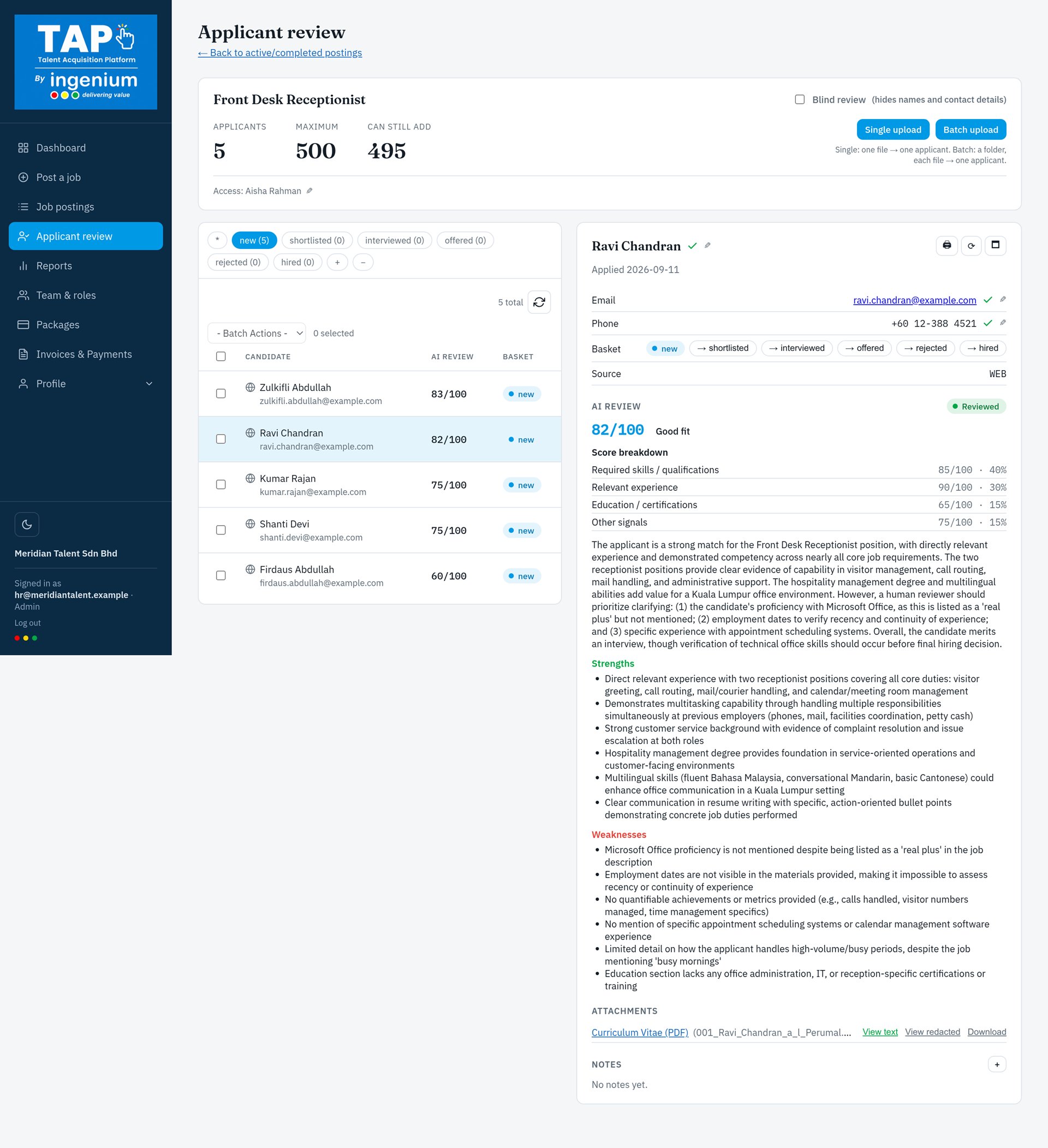
Customisable AI review weightage
You decide what matters most.
No two roles are the same, so TAP never forces one fixed formula on every hire. For each job posting, you decide how much every category counts in the AI review, with a simple slider and no technical setup.
- Set a different weightage for every job posting
- Add your own categories, such as location, languages or industry experience
- Adjust with a simple slider and see each category's share instantly
- Stay in control: every AI score is explained, and your team makes the final call
Try it: drag a slider or add a category, and watch the shortlist re-rank.
AI review weightage
Drag a slider to set how much each category counts. Each category's share of the overall score updates as you go (total: 100 pts).
Built in Malaysia • Ready for the world
Built for global hiring
Talent doesn't stop at borders, and neither should your hiring. TAP is built in Malaysia for companies hiring across markets, on a browser-based platform that works wherever your team and candidates are.
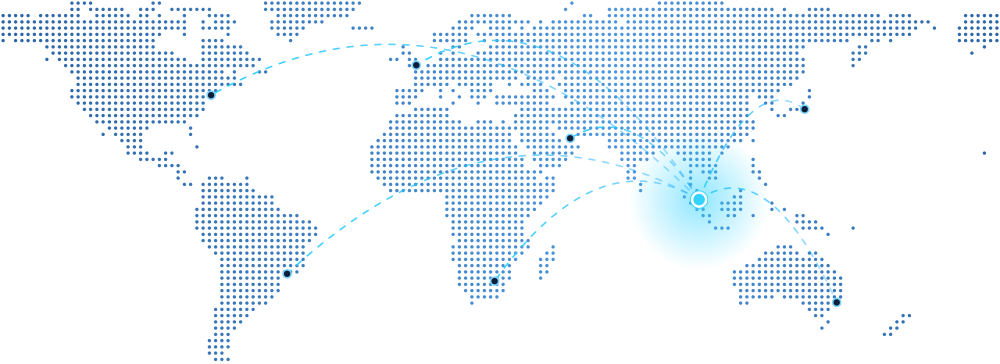
- HomeKuala Lumpur, Malaysia
- ReachHiring teams anywhere with a browser
Nothing to install
TAP runs in the browser, so HR teams and hiring managers can sign in from any office, in any country.
English and Bahasa Malaysia
Switch TAP between English and Bahasa Malaysia, so every team works in the language it knows best.
Location-aware ranking
Give location its own weightage in the AI review, then slide it up to favour local candidates for on-site roles, or down for remote ones.
Apply pages that travel
Share each posting's branded apply page on any job board, social network or careers site, wherever your candidates are.
Frequently asked questions
The questions HR teams ask us most. Can't find yours? Book a demo and ask us directly.

What is TAP?
TAP stands for Talent Acquisition Platform. It is Ingenium's cloud-based applicant tracking system (ATS) for HR teams. You post roles, screen candidates with AI-ranked shortlists, and report on the hiring funnel — without spreadsheets or scattered inboxes.
How does TAP's AI rank candidates?
TAP's AI scores every applicant from 0 to 100 across a set of categories: required skills and qualifications, relevant experience, education and certifications, and other signals, plus any you add, such as location. The overall score reflects the weightage you set for each category. Each score comes with a breakdown plus strengths and weaknesses, so your team can see why a candidate ranked where they did. Your team always makes the final decision.
Can I customise how TAP scores candidates?
Yes, and this is where TAP gives you the most control. For every job posting, you can add your own categories and set each one's weightage with a simple slider, so the AI review reflects what really matters for that role. No fixed formula and no technical setup.
What CV formats can I upload?
PDF and Word documents, one at a time or in bulk. Text is extracted automatically and mapped to candidate profiles, and scanned or image-only PDFs can be read with OCR.
How does blind screening reduce hiring bias?
Turn on blind review and TAP hides names, photos, age and gender-indicative details while you review, so candidates are judged on skills and experience first.
Can my whole hiring team use TAP?
Yes. Admins manage billing and access, recruiters manage postings and applicants, and viewers can be given access to specific postings to shortlist candidates and notify HR to arrange an interview.
Is TAP available in Bahasa Malaysia?
Yes. TAP can be used in English or Bahasa Malaysia.
How is TAP priced?
TAP is pay-per-use, with no subscription. You buy a package when you need to hire and pay only for what you use. Book a demo and we'll recommend the right package for your hiring volume.

Ready to transform your hiring process?
Book a demo and we'll walk your team through TAP.
Already using TAP? Sign in